Windows
Run the installer or extract the portable archive. Open BedRemote and select the Home tab. Version 3 pairing codes are single-use and expire after ten minutes.
Setup
Install BedRemote on Windows, then follow the steps for your browser and phone.
Run the installer or extract the portable archive. Open BedRemote and select the Home tab. Version 3 pairing codes are single-use and expire after ten minutes.
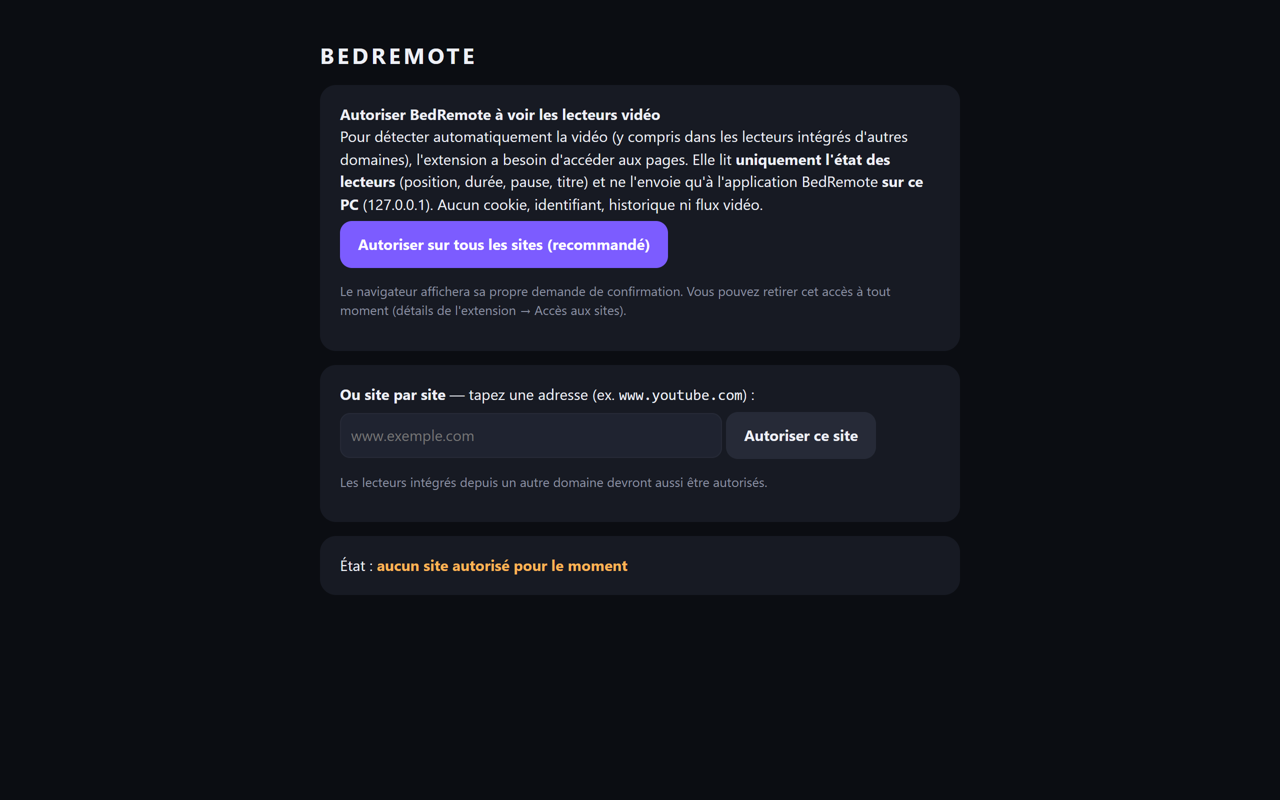
Install “BedRemote Universal” from the Chrome Web Store (“Add to Chrome” button on the Download page). On the extension’s welcome page, allow the sites you want to control. BedRemote 3.0.1 recognizes it automatically. With version 3.0.0, approve it once: “Appareils” (Devices) tab, “Extensions de navigateur” section, select it and click “Autoriser”. Alternative: load the ZIP archive in Developer mode (chrome://extensions, Load unpacked).
Extract the Edge archive. On edge://extensions, enable Developer mode and select Load unpacked. Select the folder containing manifest.json, grant permissions and approve pairing if prompted. Edge has yet to be validated in product testing.
Join the same network as the PC, scan the QR code with the camera and open the page in Safari. To pin it, use Share, then Add to Home Screen.
Join the same network as the PC and scan the QR code with your camera or QR reader. Open it in a compatible browser. The browser menu may offer Add to Home screen.
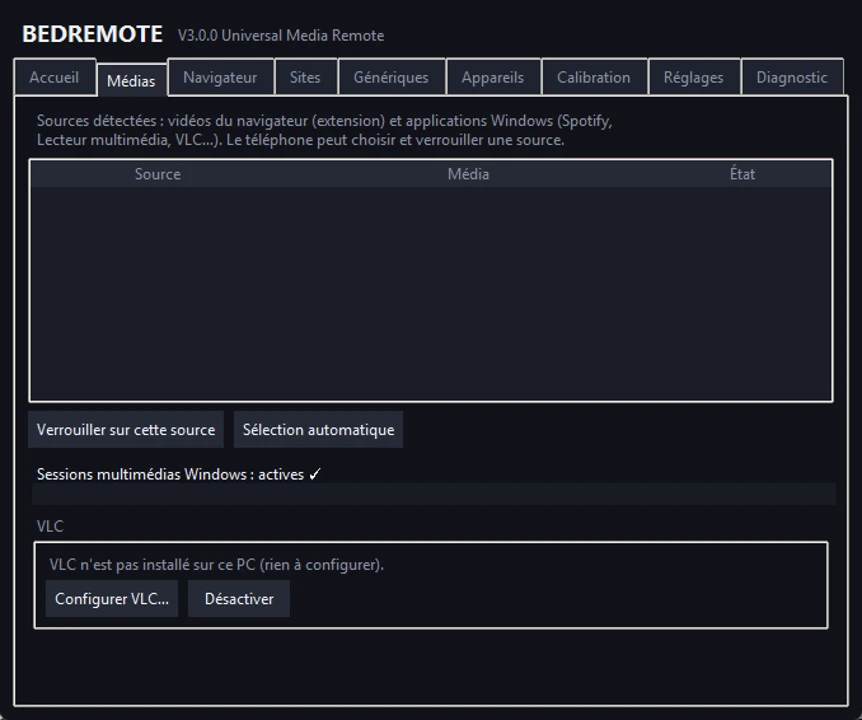
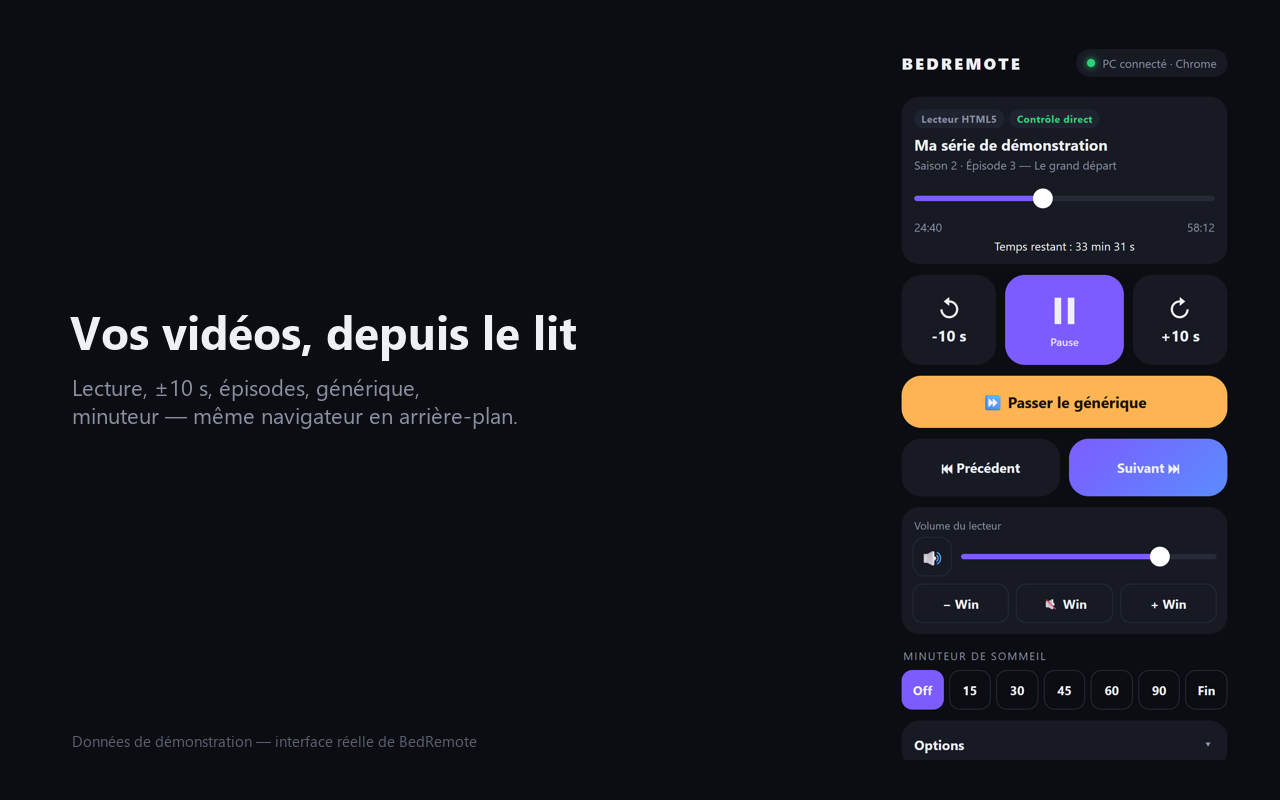
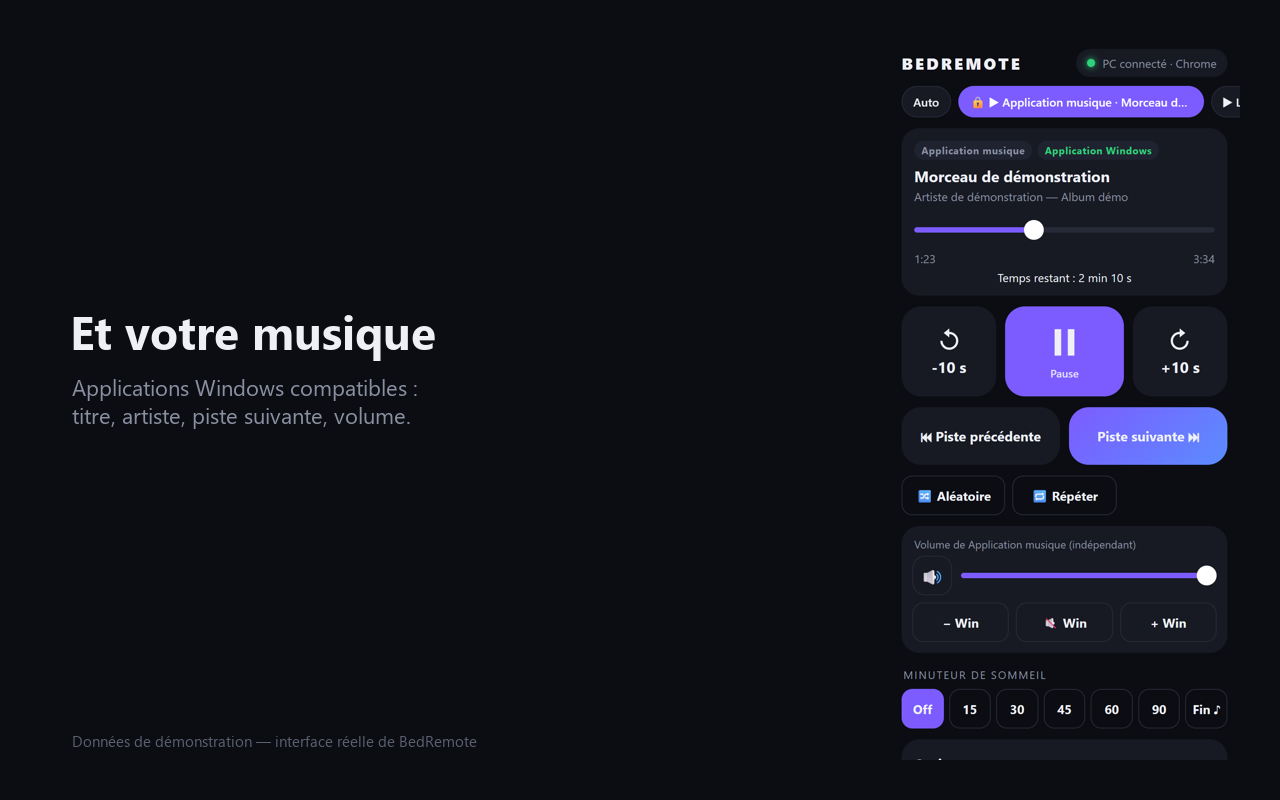
Start a video or Windows media. If multiple sources appear, pick the one you want to control. For VLC, use the wizard in the Media tab.
The software interface is shown in French.